
Macon County VINELink Coverage
North Carolina delivers victim notification through NC SAVAN, the state's official notification service, on the VINELink platform. The network links every county jail in the state with Adult Correction, covering prison, probation, and parole. For Macon County arrests, it is the main statewide tool for checking custody status. It runs day and night. The help line is (877) 627-2826.
Coverage has limits, though. Someone cited and released without a jail booking may never reach the data feed. Juvenile cases sit outside it. So do mental-health facilities and brief precinct holds. An alert tracks custody, nothing more. For the case itself, the Macon County court record is the place to look.
The official NC SAVAN overview page displays the service Macon County uses for custody notifications.
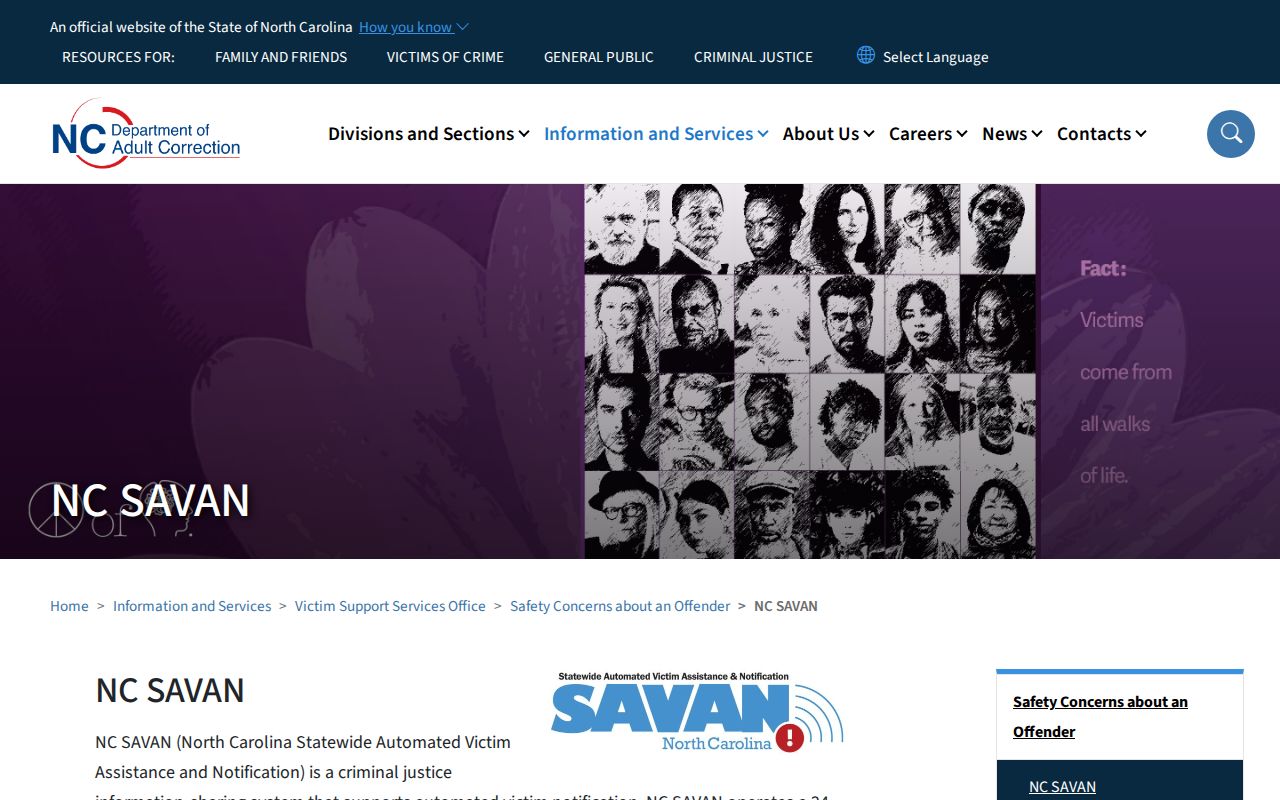
The state page lists service scope, language access, and current contacts.
Check a Macon County Arrest
Begin with the North Carolina VINELink person search. The tool finds one person rather than browsing a county roster. Have the legal name plus a second identity detail ready. Common names return multiple matches. Picking the wrong record means alerts about someone else entirely.
- Confirm that North Carolina is the selected state before entering the person's name.
- Enter the first and last name as accurately as possible. Use any available identifying field to narrow common-name results.
- Review each possible match for the agency, facility, identifier, and current custody wording.
- Open the matching record and note the time or date attached to the status.
- If no match appears, try a known name variation, then call the Macon County Sheriff's Office rather than assuming release.
The captured North Carolina search screen below comes from VINELink's official person-search route.
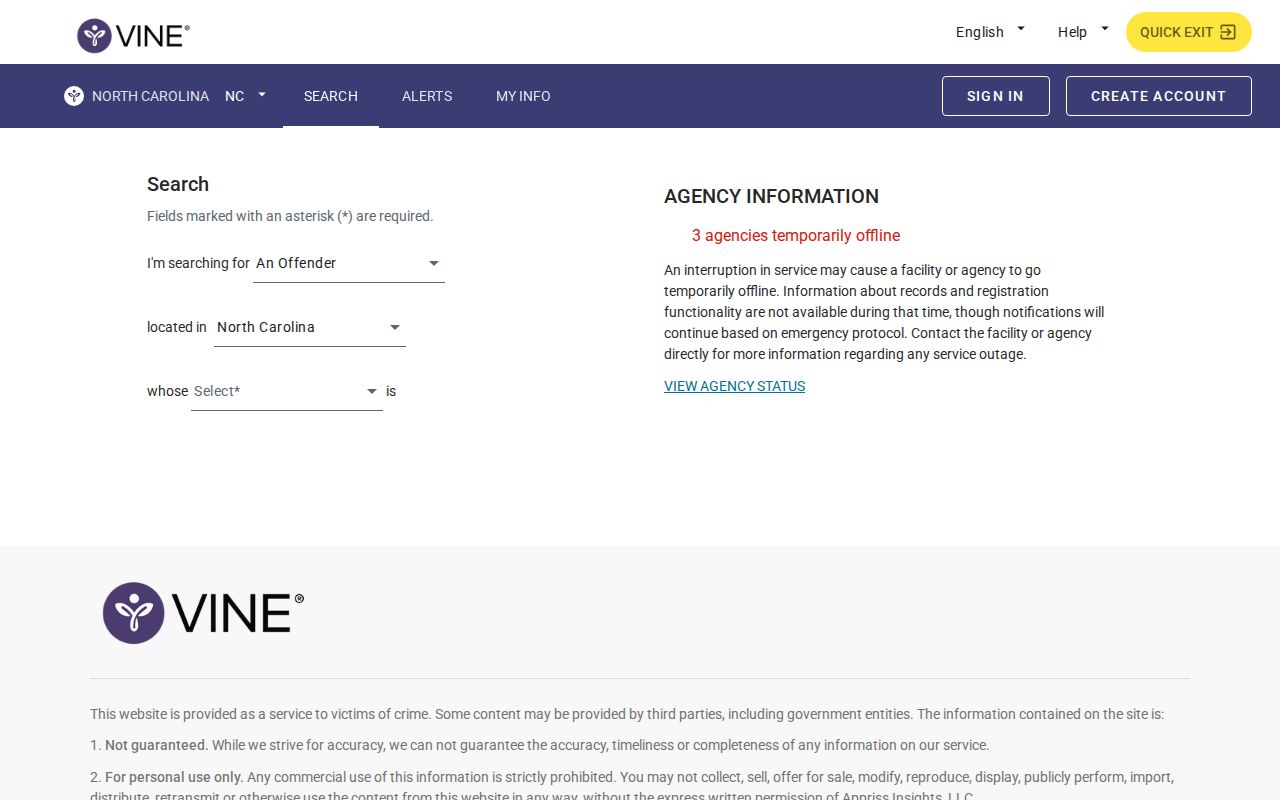
Screen layouts change over time. Still, the core task stays the same: search the state system, then verify identity. When several records look alike, never trust a name alone. Check the listed custody agency and any identifier. A record tied to Macon County but housed elsewhere may simply reflect a transfer. The Sheriff's Office can confirm a hold at the Detention Center. It can also confirm a release or a move.
Macon County Custody Result Fields
VINELink shows status data reported by the holding agency. Screens vary by record and custody stage. The detail can be thinner than an arrest report, so treat it as a checkpoint rather than a certified record.
| Field | What it means |
|---|---|
| Name and identifier | Details used to distinguish the selected person from similar matches. |
| Custody status | The reported in-custody, released, or other tracked state at the latest update. |
| Facility or agency | The jail, correctional site, or supervising agency supplying the status. |
| Notification option | A registration route when the selected record and event qualify for alerts. |
| Update context | Timing or event text that helps show how current the status may be. |
A status is one moment in a longer process. Fresh bookings may wait on data entry. A release can pull a person from the active jail view while the arrest report and court file remain. State sentences move the record into the Department of Adult Correction system. Each source answers a different question.
Verify anything urgent. A late update or a name mix-up can flip what a result means, so call the holding agency for current confirmation.
Register for Macon Custody Alerts
Searching and registering are separate steps. A search stays anonymous. Registration starts only after you select a qualifying custody record or event. NC SAVAN offers phone or email delivery, uses a PIN to confirm certain notices, and keeps registration information confidential.
- Search for the person and open the record that matches the known identity details.
- Select the available notification or registration option attached to that record.
- Choose a telephone number or email address as the delivery channel.
- Create and retain the requested PIN so a phone notice can be acknowledged.
- Review the selected event types and finish the confirmation steps shown by VINELink.
The official VINELink entry screen shown below leads into the search and registration flow.
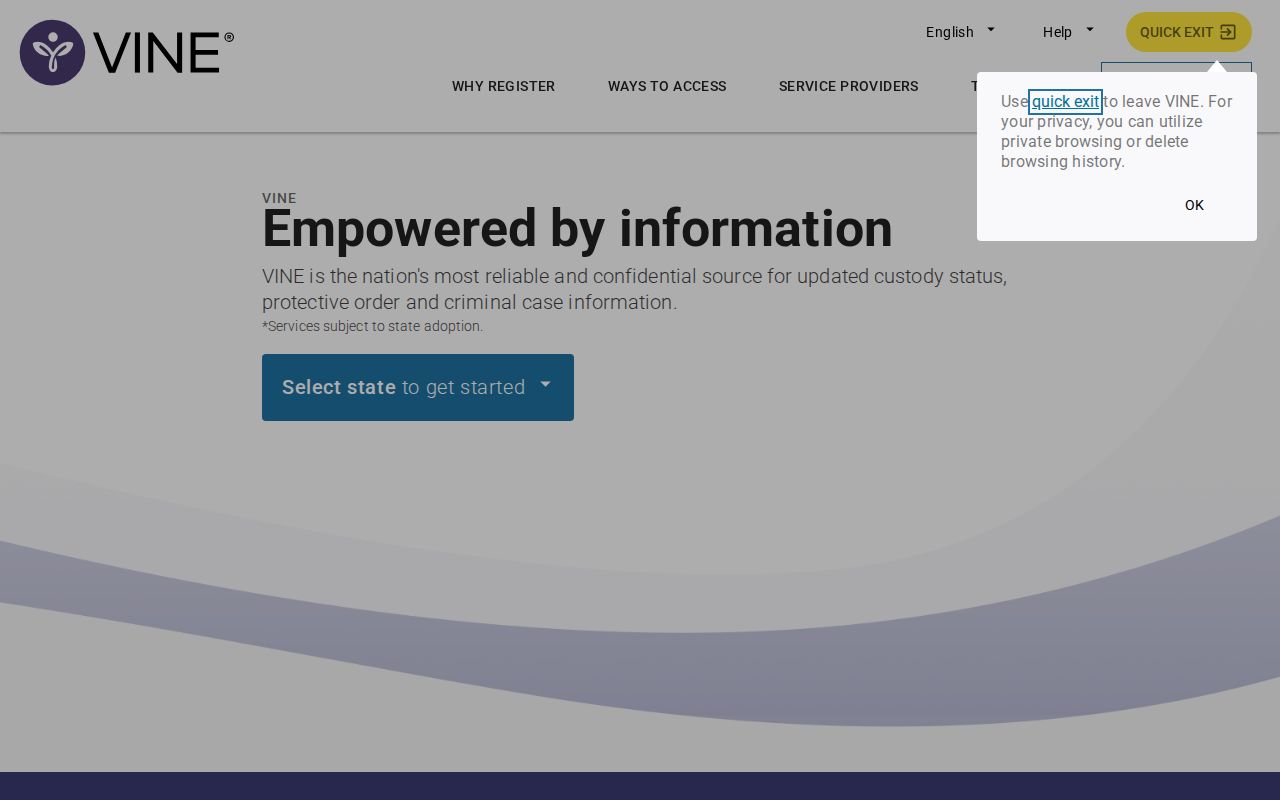
Registration controls often stay hidden until a matching result is chosen, so the landing screen may look bare.
Routine phone notices run 8 a.m. to 8 p.m. Critical events work differently. Release, escape, or capture can trigger a call at any hour, and email also arrives at any hour. Calls repeat under the acknowledgement rules. Keep the PIN private but reachable, and update contact details whenever a phone number or email changes.
Transfers Can Break Alert Registration
A transfer can shift a person into a new agency's record. The official NC SAVAN FAQ warns that users may need to register again after a move to another county jail. Never assume the first registration follows every record.
Read any transfer notice for the receiving facility. Then search again. Inspect the new result for a fresh notification option. This matters in Macon County. The arresting agency, the detention center, and a later receiving agency can each hold a different piece of the record. The alert tracks one custody entry, not every document tied to the original arrest.
Note: Save the facility name from each notice so a later status question goes to the office that actually holds the person.
Macon VINELink Limits and Verification
VINELink has blind spots worth knowing. NC SAVAN tracks North Carolina county jail and state custody only. Federal cases fall outside it. For a federal question, the Federal Bureau of Prisons handles it. The federal pretrial custodian does too. Immigration custody runs through the ICE locator or a DHS notification route instead. A blank Macon County result there proves nothing about federal holds.
Fresh bookings can lag too. The Macon County Sheriff's Office posts no steady public web roster. Call (828) 349-2104 or email mcsopio@maconnc.org to confirm custody directly. The jail sits at 1820 Lakeside Drive, Franklin, NC 28734. Keep records questions on non-emergency lines.
Macon County Sheriff's Office1820 Lakeside Drive
Franklin, NC 28734
(828) 349-2104
mcsopio@maconnc.org
The sheriff's mobile app may include an inmate search. Check the app itself for what it offers. A fresh county arrest can be cross-checked against Macon County arrests from the last 24 hours. Older cases take more digging. A historical arrest record needs an agency records request. Final outcomes live in NC eCourts or the clerk's file.
Macon Custody Sources by Stage
Read a blank result with the stage of custody in mind. The arresting police department can confirm an arrest report. The detention center answers county jail custody. NC SAVAN only tracks qualifying jail or state correctional status. State prison, probation, and parole move to a different system. That is the North Carolina Department of Adult Correction search. Court calendars show hearings, not where a person is held. A slow VINELink result is not the whole story. Knowing these boundaries keeps an out-of-scope answer from looking like proof that no Macon County arrest happened.
For the final outcome, use NC eCourts. You can also request the official record from the Macon County clerk. Custody alerts and court results answer different questions.
Search Public Records
Sponsored Results